Learn Ohbot
Ohbot is a programmable robot head.
Ohbot 2.1 has seven motors and Ohbot 2.2 has eight motors. Connected to a computer, Ohbot can be programmed to sense, 'think' and act. What it does and how it behaves is completely up to you.
Ohbot can be programmed using the Ohbot App, Scratch for Ohbot or Python. Set these up first, then pick where to start below.
Explore sections
Puzzles
A small collection of computing puzzles designed to help you get started with programming Picoh or Ohbot. They are intended to be fun, but also help develop computational thinking skills and an understanding of key programming concepts. Click to open the puzzle within the app, or use 'Open Ohbiverse Download' from the File menu.
Code Snippets
It's time for that 'Hello World' moment with your Ohbot. Here are a collection of code snippets you can try, tinker with and combine to make Ohbot do new things. Open one in the app and drop it straight into your own program.
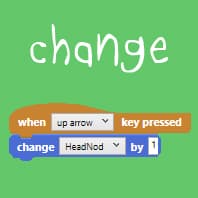
Make Ohbot change its position by a set amount each time a key is pressed.
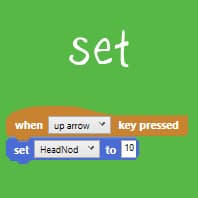
Make Ohbot move to a particular position when a key is pressed.
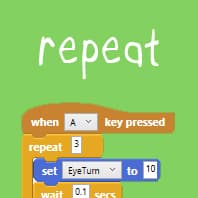
Repeat a sequence of instructions to make Ohbot look scared.
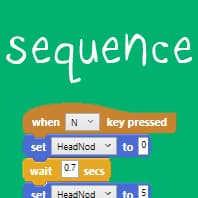
Create a sequence of movements to make Ohbot nod and shake.
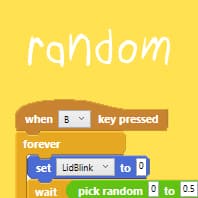
Use the random block to make Ohbot blink at random intervals.
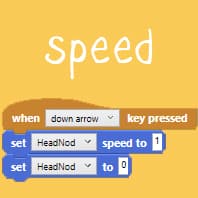
Set the speed of Ohbot's movements. Nod to sleep slowly and wake up quickly.
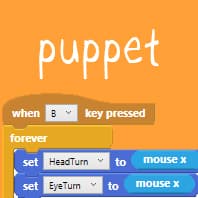
Repeatedly set a motor to the position of the mouse to turn Ohbot into a puppet.
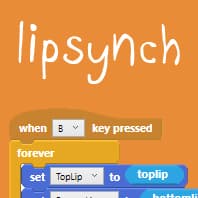
Make Ohbot's lips move as it speaks, using the speech sensor variable.
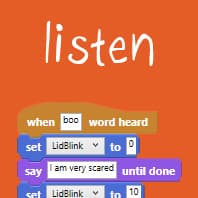
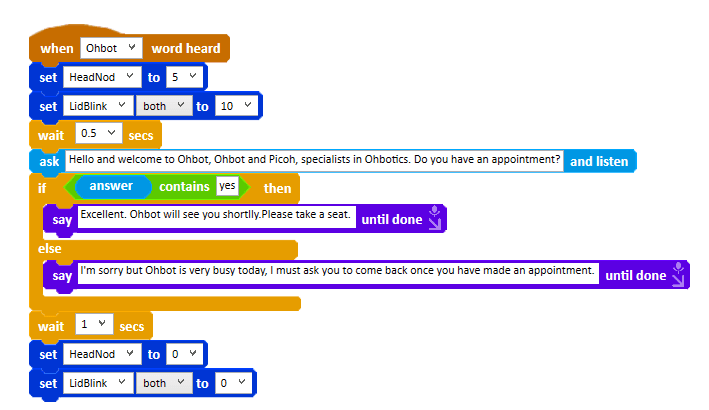
Make Ohbot react to spoken words.
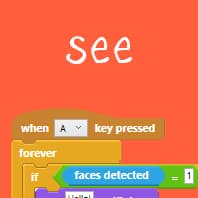
Make Ohbot recognise and track faces.
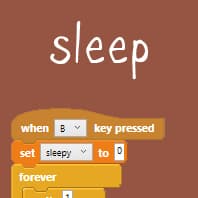
Use a variable to make Ohbot become sleepy.
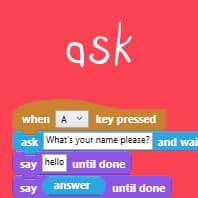
Ask a question and wait for a human to type an answer.
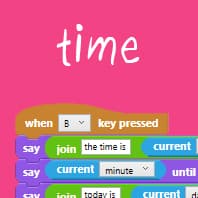
Use the time and date sensor blocks to make Ohbot speak the current time.
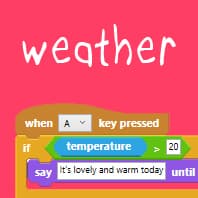
Make Ohbot report live temperature and weather conditions for a location.
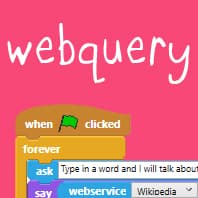
Make Ohbot find a Wikipedia page and read it.
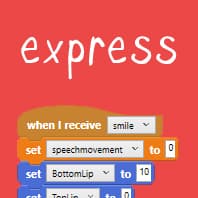
Intersperse speech, smiles and frowns by using a variable.
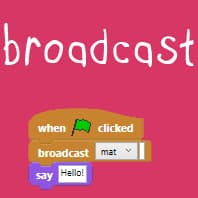
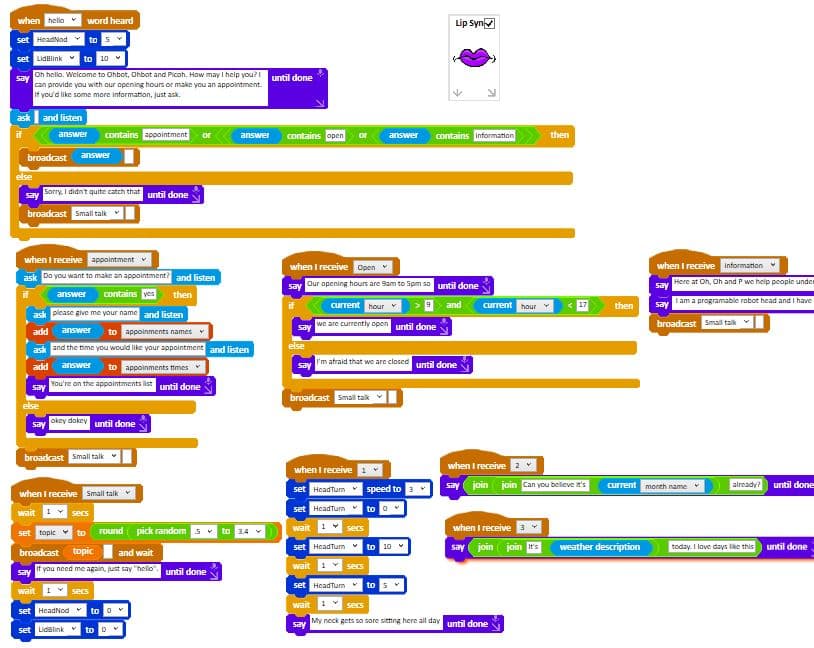
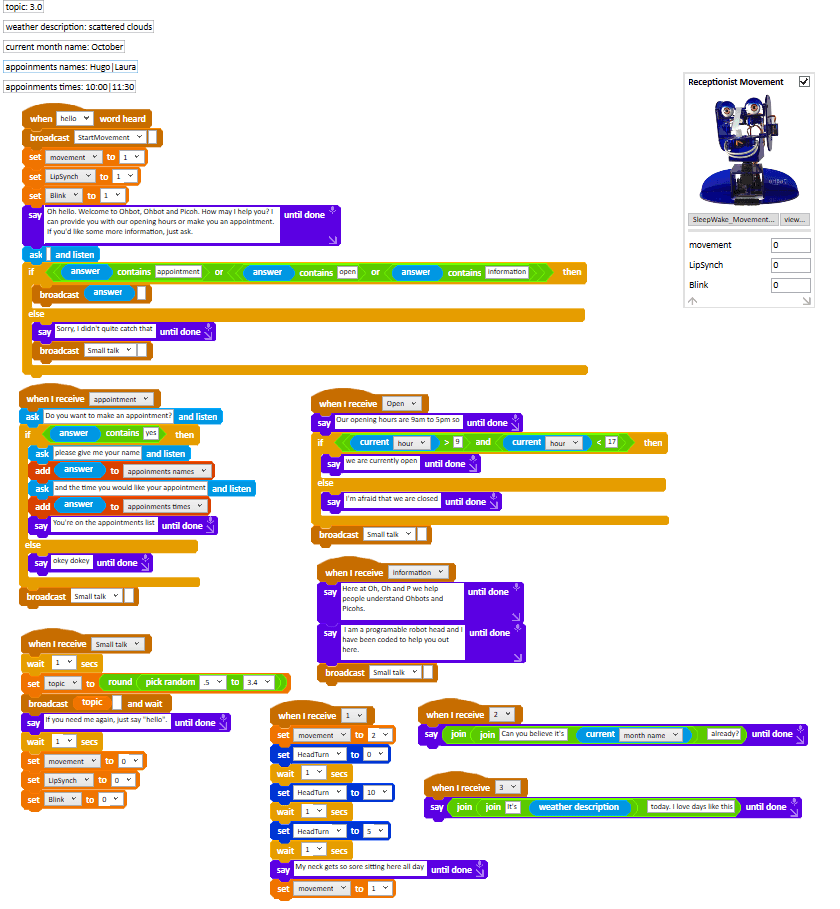
Make Ohbot broadcast messages between stacks of blocks.
Projects
Opportunities to work on meaningful projects, so children experience the process of turning an initial idea into a creation that can be shared. These are starter ideas — run them, pull them apart and make them your own.
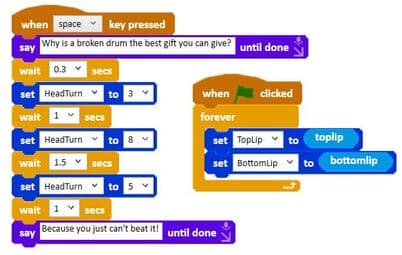
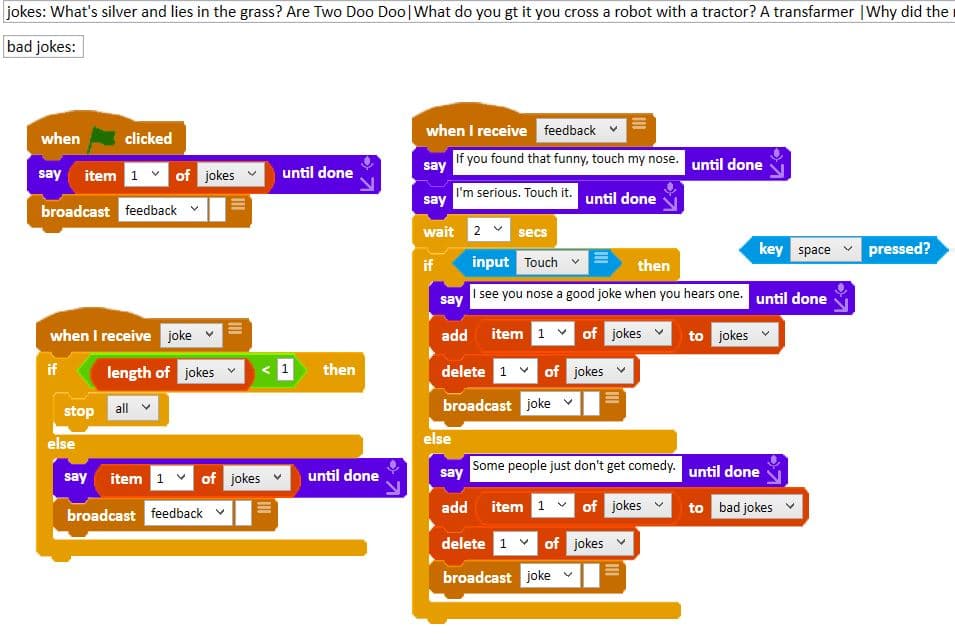
Jokerbot 2
Ohbot tells a nose joke when you touch its nose. Run the code and make it your own.
Open project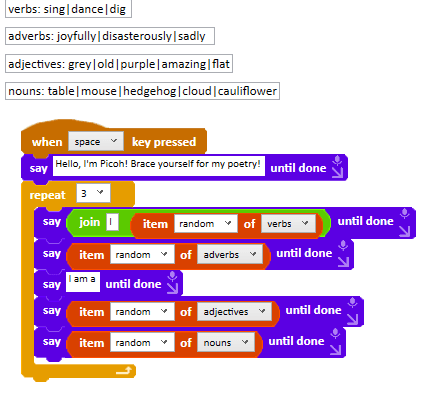
Robot Poet
Ohbot generates its own poetry from lists of words. Run the code, or follow the step-by-step guide to build it yourself.
Open project
Ohbot Scheme of Work
This course provides a sequence of inspiring activities that can be used to help children develop the skills needed to find computational solutions to messy real world problems. As they work through creating computer programs for human-like behaviour such as smiling, blinking or telling a story, they adopt and develop core competencies associated with computer programming including logical reasoning, an iterative approach and the need for perseverance. They are also introduced to core programming concepts including sequencing instructions, repetition, conditionals and variables.
The course consists of 4 sequences of 6 lessons that may be used flexibly — for example taught as a single block, or split up and taught over a term a year across four years. Each lesson takes around an hour and is devised to be delivered by a teacher working with a class of children.
Browse all lessonsYou will need
- One assembled Ohbot
- A site licence for the Ohbot graphical programming application (if using the software on more than 4 computers)
- Windows computers with the Ohbot graphical programming application installed
- Headphones or speakers for the computers
3rd Year
4th Year
More ways to learn
Ohbot App Tour
A five minute tour of the Ohbot App: the scripts area, the palettes and saving your work.
Python for Ohbot
Move, speak, loop and read sensors from Python using the ohbot library.
Scratch for Ohbot
Browser-based projects: movement, natural language and storytelling.
Picoh
Lessons and projects for Picoh, Ohbot's smaller sibling.
AI
Explore artificial intelligence with Ohbot.
Robot Work
How robots are used in the real world.
Ohbot v1 example programs (PDF)
Fourteen worked example programs for the original Ohbot.
Ohbot v1 and v2 examples folder
The full examples folder, hosted on Dropbox.
Chin Up test page
A browser demo of the Chin Up project on Ohbiverse.