Install Ohbot App2
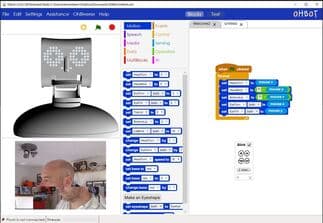
Program Ohbot and Picoh with graphical blocks or Python, on a real robot or the on-screen simulation.
Ohbot App2 is a Windows application that lets you program Ohbot and Picoh robots using graphical blocks or Python code. You can control a physical robot, or create, test and explore your programs using an on-screen simulation. Installation is a download from the Microsoft Store.
You will have 3 days of free use.
Follow the steps below to install the app on a single computer. For use on a network, and for a checklist of things to have in place before use in a school setting, see our Technical Notes.
Technical Notes1. Ohbot App2 can be installed using the Microsoft Store on a Windows computer.
Open in the Microsoft Store
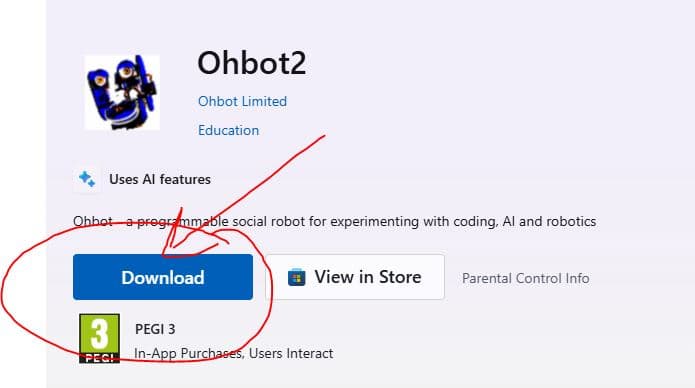
2. In the Microsoft Store listing click 'Download' and wait for the installation to complete.
3. Once it has completed, click on the Start menu and find the Ohbot app.

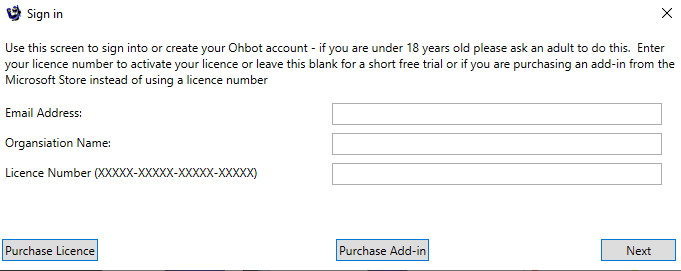
4. Enter an email address, organisation name (if you have one) and your licence key.